
QwenPad
A tiny, private Notepad for Windows with a local AI writing assistant. Rewrite, fix, summarize and continue text with Qwen3.5, 100% offline.
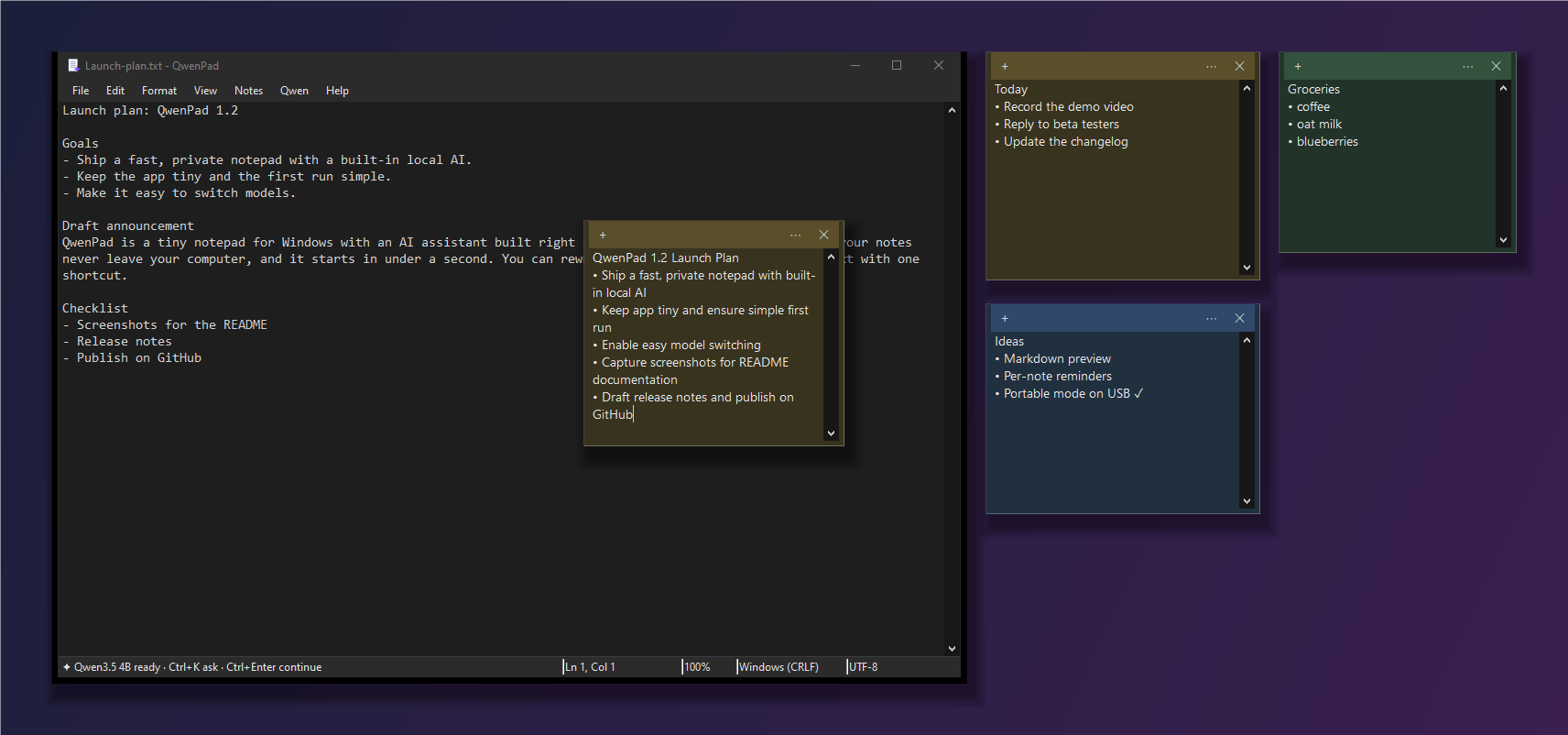
Fast like Notepad. Smart like an AI editor. Private like paper.
⚡ Tiny and instant
A ~100 KB native app that opens in well under a second. No Electron, no installer, no account.
🔒 Truly offline
Qwen3.5 runs on your PC through llama.cpp. QwenPad only talks to 127.0.0.1, so your text never leaves the machine.
✦ AI where you type
Rewrite, fix grammar, change tone, translate, summarize or continue with one shortcut. It streams live and undoes in one step.
🗒️ Sticky notes
Desktop notes in six colors, with the same AI built in. Saved as plain text files.
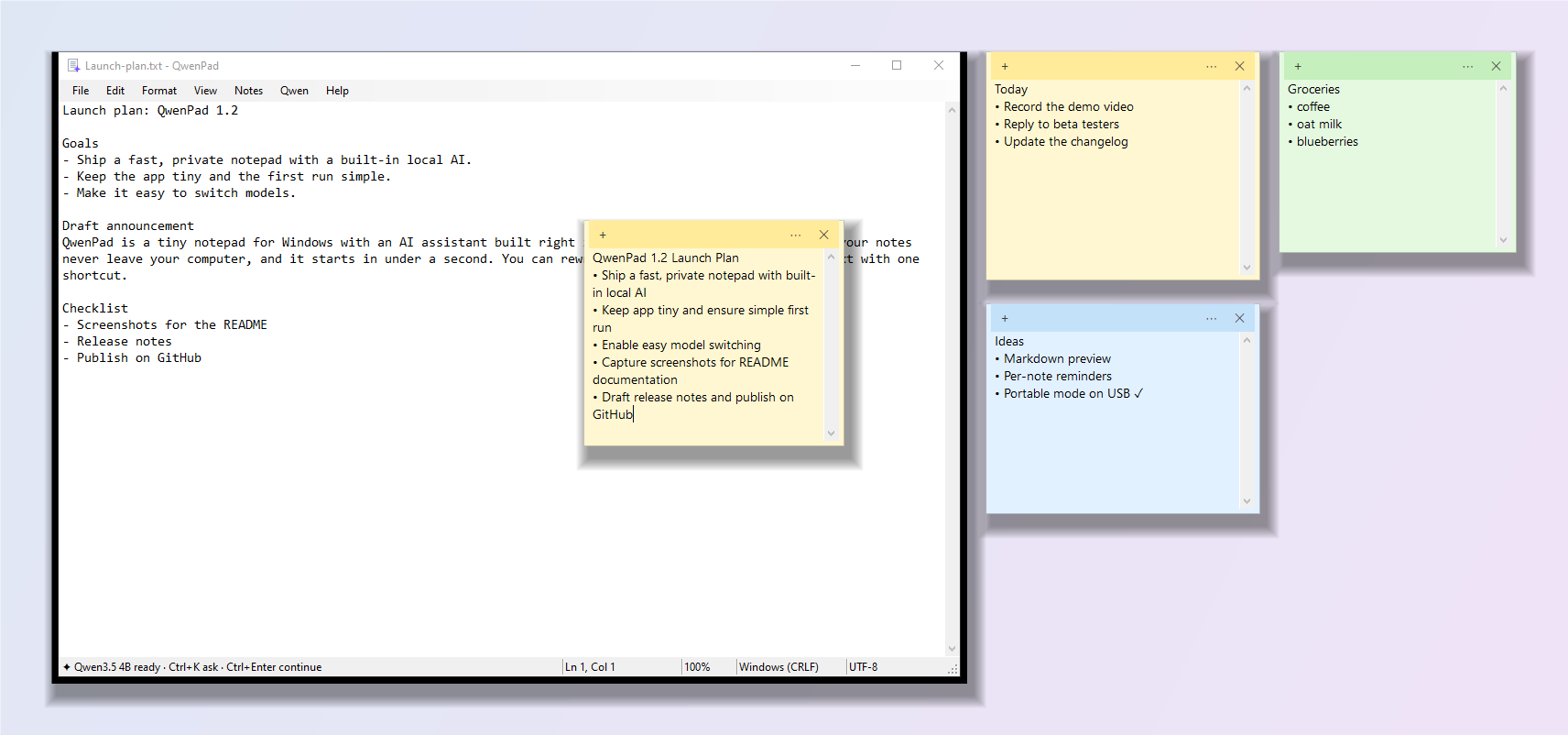
🌙 Dark mode
Follows Windows automatically, from the title bar and menus to the scrollbars and notes.
🎒 Portable
Unzip anywhere, even a USB stick. Settings, notes and models stay in one folder.
Your keyboard, supercharged
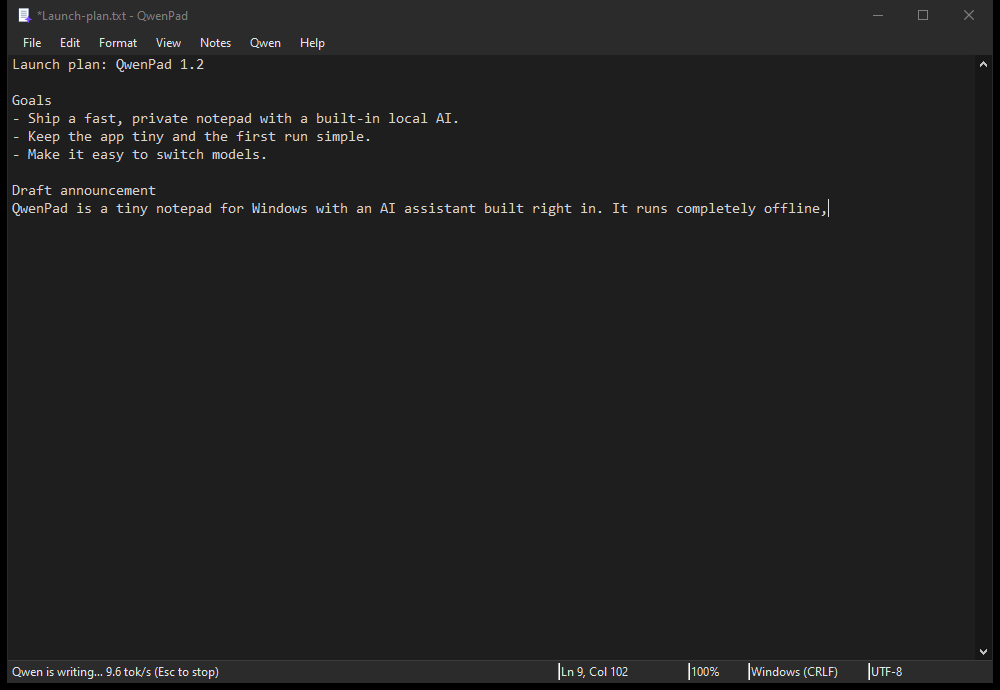
| Shortcut | What it does |
|---|---|
| Ctrl+K | Ask Qwen anything about the selection, or have it write at the cursor |
| Ctrl+Enter | Continue writing |
| Ctrl+Shift+I | Improve writing |
| Ctrl+Shift+G | Fix spelling & grammar |
| Esc | Stop generating |
Pick your model
| Model | Download | Best for |
|---|---|---|
| Qwen3.5 9B (recommended) | 5.3 GB | Best quality; ~8 GB free RAM |
| Qwen3.5 4B | 2.6 GB | Faster; low-RAM or CPU-only PCs |
| Qwen3.5 9B Abliterated | 5.2 GB | Community variant with refusal behavior removed |
| Any GGUF | Your choice | Drop a .gguf into models\ |
Light or dark
FAQ
Does QwenPad work offline?
Yes. After a one-time model download, it runs Qwen3.5 locally through llama.cpp and only talks to 127.0.0.1.
Do I need an NVIDIA GPU?
No. A CUDA GPU makes it faster, but llama.cpp falls back to the CPU. Choose the 4B model on CPU-only PCs.
Is it free?
Yes, free and open source under the MIT license.
Can I use my own model or server?
Yes. Put any chat-capable GGUF in models\, or point QwenPad at any OpenAI-compatible server (llama.cpp, LM Studio, Ollama) in Qwen > Settings.